

If you're here...
You've probably tried...
Creating hyper-realistic AI people.
Keeping the same face consistent.
Writing better prompts.
Trying different AI tools.
Still...
It never looks quite right.
It never stays consistent.
↓
You're fixing the output.
Instead of the workflow.
Creating for a brand, or for clients?
What it really takes to go from a realistic face to a campaign.
↓ Images like these don’t start with a prompt ↓
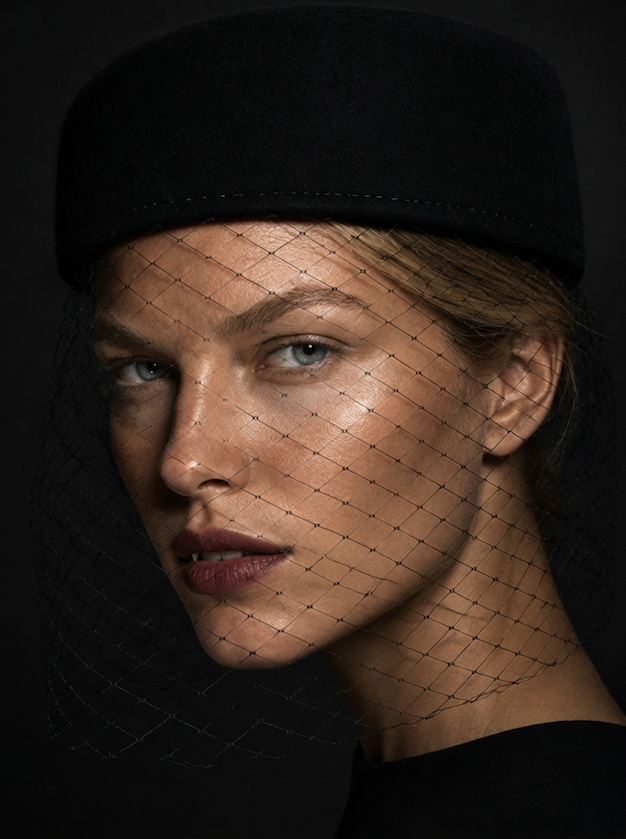
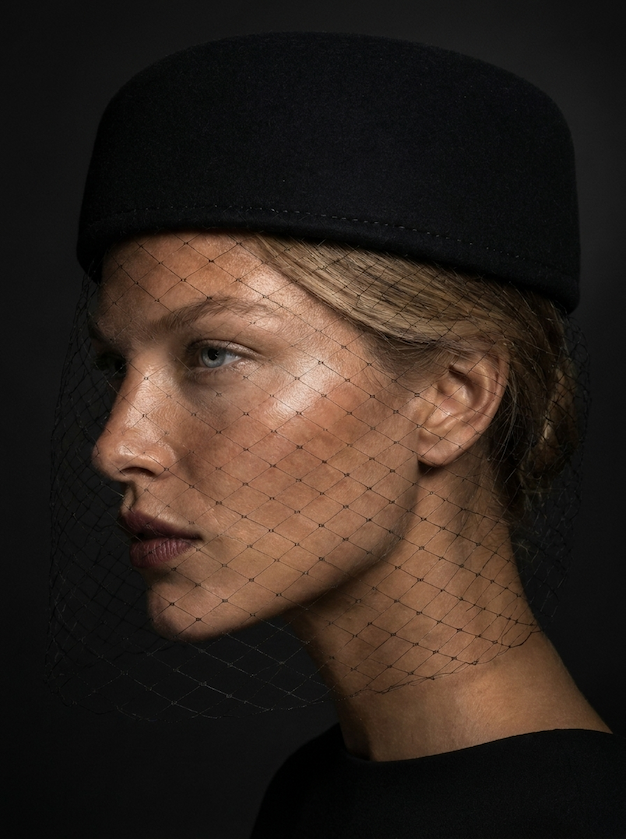
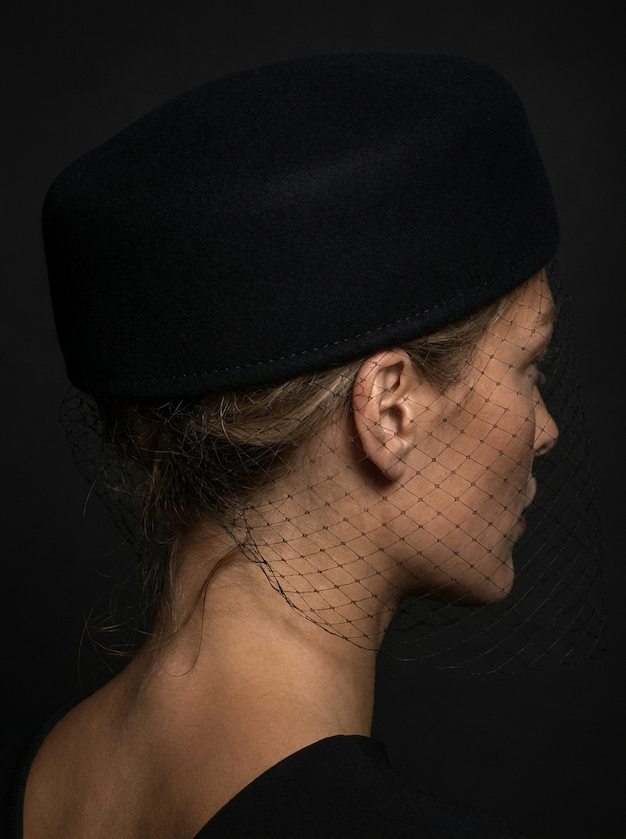
- The creative decisions behind every campaign image
- Why products look pasted in, and what fixes it
- What keeps a series looking like one shoot
You’ll learn the decisions behind every campaign image: what to direct, and why.
Instead of chasing better prompts...
Start changing the way you think about AI image generation.
Anyone can generate one impressive image.
The real challenge isn't creating one.
It's creating the next one...
Can you recreate the same person?
Can you place them in a completely different scene?
Can you build an entire campaign around them?
Can you generate ten more images that still feel like the same photoshoot?
...
Or are you starting from scratch every single time?


THE IMAGE FLOW™

THE IMAGE FLOW™


Start with a 90-second diagnostic.
In 90 seconds, you’ll know exactly where your workflow breaks.
Based on your own answers, not a generic checklist.
Then the 5-stage workflow to fix it:
✓ The 5 mistakes that keep your images generic or inconsistent.
✓ Why your workflow breaks down before the prompt.
✓ How to keep the same identity across every image.
✓ What a campaign image needs beyond a realistic face.
✓ Why most AI series don’t look like one shoot.


This is for anyone who's been chasing...
Hyper-realism without understanding what's missing.
Who can generate one good image but can't recreate it.
Who keeps starting from scratch.
Who wants to understand the workflow behind professional AI images.
This isn't a prompt course.
It's a way of thinking about AI image generation.
The missing workflow behind hyper-realistic, consistent AI images.
Common questions
What exactly do I get?
A step-by-step course that walks you through the 5-stage workflow behind realistic, consistent AI images, plus a personalized diagnostic that shows you which stage your workflow is breaking at. Each stage explains the mistake, the symptom you’ll recognize and what to do instead, and ends with a short exercise to try it yourself.
How does the diagnostic work?
It’s six quick questions about how you create your images today, and it takes about 90 seconds. Your full diagnosis arrives by email within a few minutes: each of the 5 stages, where yours is breaking, and how to fix it.
Is this a prompt pack?
No. You'll see real examples along the way, but this isn't a list of prompts to copy. It's the way of thinking that makes your images consistent, whatever you're creating.
Do I need AI or prompting experience?
No. It’s for anyone whose AI images still look fake or won’t stay consistent, but who can’t tell where it’s going wrong. You get one defined workflow you can apply every time, whatever your level.
Which AI tools do I need?
None to follow the course. It’s a workflow, not a tool: it teaches you with real examples. To put it into practice, you’ll need an image generator that lets you attach reference images. We recommend Nano Banana Pro. The image tool is paid separately.
I make images for a brand or for clients. Is this for me?
Yes, even more so. When you create for a brand or for clients, realism and consistency aren’t optional. The course also covers what a campaign image needs beyond a realistic face, including how to define the creative direction.
Is this a subscription?
No. It's a one-time payment of $12, with lifetime access and future updates included.
How do I get access?
Right after purchase, you’ll take your 90-second diagnostic. When you finish, you’ll get a button straight to your private course area (sign in with the email you used at checkout, on any device). Your full diagnosis arrives by email a few minutes later.